
Free Punjabi Text to Speech AI Tools Explained
A Punjabi text to speech AI tool free lets you turn Punjabi text into natural-sounding audio without paying upfront. Here’s how it works and what to look for.
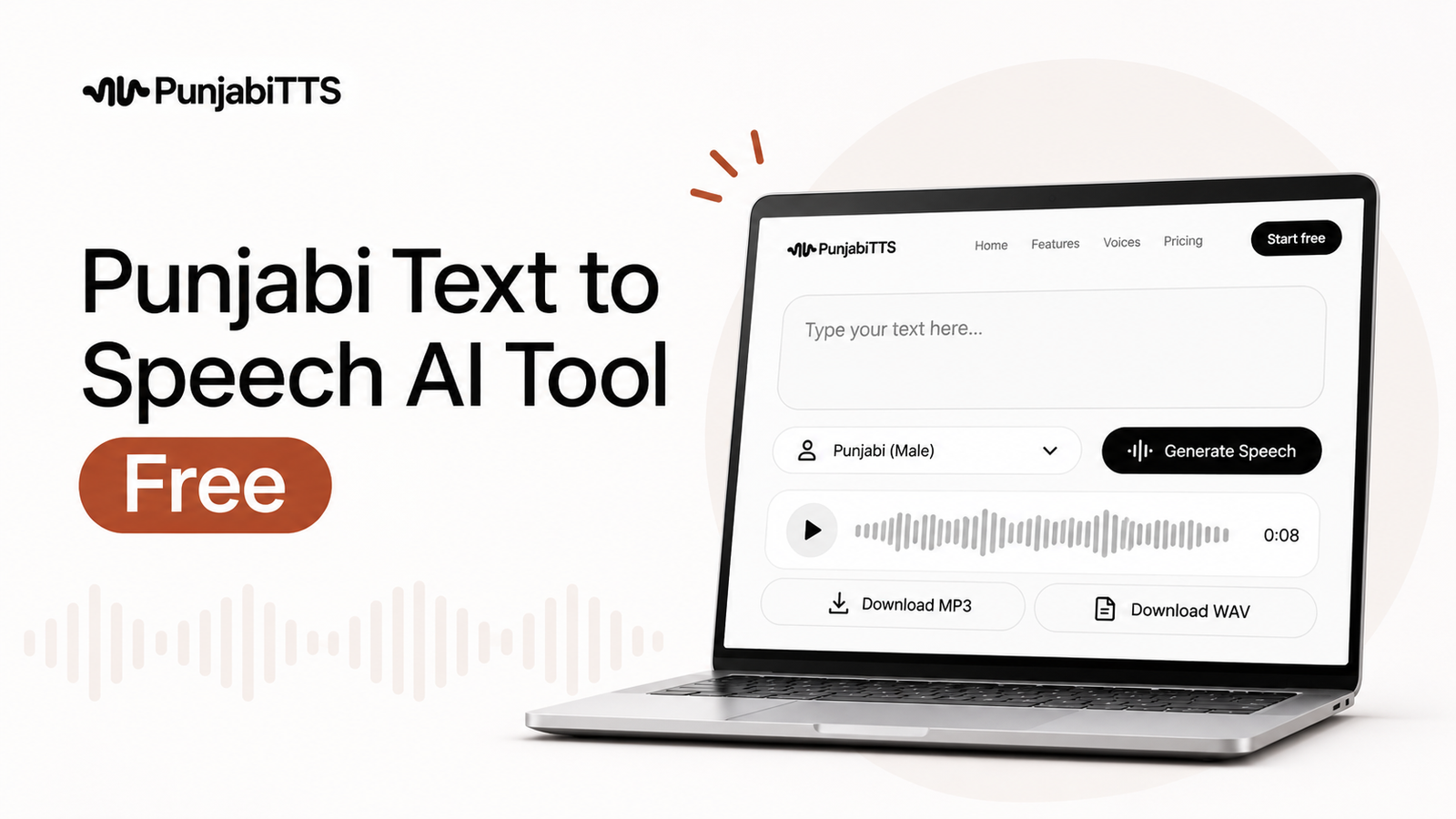
A Punjabi text to speech AI tool free is a tool that converts written Punjabi into spoken audio without charging you upfront. In simple terms, you type or paste Punjabi text, choose a voice, and get audio you can listen to, share, or use in your content.
If you need clear Punjabi audio for learning, social media, videos, accessibility, or quick voice drafts, this kind of tool can save a lot of time. The main thing to understand is that not every free tool gives the same voice quality, pronunciation, or export options, so it helps to know what to look for before you start.
Key Takeaways
- A free Punjabi text to speech tool turns written Punjabi into spoken audio quickly and simply.
- The best tools sound natural, handle Punjabi characters properly, and make downloading easy.
- Free plans are useful for testing, small projects, and personal use, but they may limit voice choices or usage.
- Good pronunciation matters more than flashy features when you want Punjabi audio that feels authentic.
- PunjabiTTS is useful when you want a straightforward way to generate Punjabi speech without a complicated setup.
What is a Punjabi text to speech AI tool?
A Punjabi text to speech AI tool is software that reads Punjabi text aloud using artificial intelligence. The “AI” part matters because it does more than a robotic word-for-word readout. It tries to understand punctuation, spacing, tone, and natural speech flow so the audio sounds smoother and easier to listen to.
For Punjabi speakers, this is especially useful because pronunciation can change depending on how the text is written. A good tool should recognize Punjabi script accurately and produce speech that sounds clear instead of flat or mispronounced. That is the difference between something people tolerate and something people actually want to hear.
When people search for a Punjabi text to speech ai tool free, they usually want one of three things: a quick voice sample, audio for a project, or a simple way to make Punjabi content more accessible. The best tools support all three without making the process confusing.
How does Punjabi text to speech work?
The process is simple on the surface, but there is a lot happening behind the scenes. First, the tool takes your text and breaks it into language units. Then it checks pronunciation rules, punctuation, and sentence structure. After that, the AI voice engine generates speech that tries to match normal human rhythm.
For example, a line with a question mark may be spoken with a rising tone, while a comma may create a brief pause. Proper spacing and punctuation can make the result sound much more natural. If the text is written cleanly, the output usually improves right away.
Punjabi speech generation works best when the platform supports Punjabi script natively. If a tool is designed for Punjabi text to speech ai, it is more likely to handle spelling and pronunciation accurately than a generic voice tool that simply guesses how Punjabi should sound.
Why do people look for a free Punjabi voice tool?
Most people want to test the idea before paying for anything. That makes sense. If you are creating a school project, a short video, a practice lesson, or just checking how Punjabi audio sounds, a free tool is often enough.
There are also practical reasons:
- Accessibility: Some users prefer listening instead of reading, especially when they are learning.
- Content creation: Creators can turn scripts into voiceovers for reels, explainers, or short videos.
- Language support: Families and teachers can use audio to help children hear proper pronunciation.
- Convenience: You do not need recording equipment, a microphone, or a voice actor for every small task.
Free access matters because it removes the barrier to trying it. People often only need a few minutes of audio, not a full production suite. That is where a Punjabi text to speech ai tool free becomes genuinely helpful.
What should you look for in a free Punjabi text to speech tool?
Not all tools are worth your time. Some sound stiff, some do not handle Punjabi text correctly, and some make it hard to export the audio. If you want a tool that actually helps, focus on a few practical details.
1. Natural pronunciation
Pronunciation is the biggest test. If a tool misreads common Punjabi words, the audio quickly becomes less useful. A strong tool should pronounce words in a way that listeners understand easily, without sounding overly mechanical.
2. Support for Punjabi script
Some platforms are better with Punjabi written in its native script than with transliterated text. If you usually write in Gurmukhi, make sure the tool supports it well. This is important because even a small script handling issue can affect the result.
3. Voice options
Free tools often have fewer voices, but it is still worth checking whether you can choose between a male or female voice, or adjust pace and tone. Even a basic choice can help you match the voice to the purpose of your project.
4. Download or sharing options
If you need the audio for a video, class project, or social post, being able to download it matters. A tool that only plays audio inside the browser is less helpful than one that lets you save the file easily.
5. Simplicity
A clean interface saves time. You should be able to paste your text, pick a voice, and generate audio without going through five menus. A good Punjabi text to speech experience should feel quick and straightforward.
Pro Tip: Before generating the final audio, read your Punjabi text out loud once yourself. You will catch missing pauses, awkward punctuation, and spelling issues that can make the AI sound less natural.
What are the main benefits of using a free Punjabi TTS tool?
The biggest benefit is speed. Instead of recording and editing voice clips manually, you can generate speech in a few moments. That is especially useful when you need drafts or rough versions fast.
Another benefit is consistency. Human recordings can vary from take to take, but a TTS voice gives you the same style every time. That helps if you are building a series of lessons, repeated announcements, or short explainers.
There is also a strong accessibility benefit. Punjabi audio can help people who learn better by listening, including children, older adults, or readers who find long text tiring. When the text is converted into speech, it becomes easier to consume in more situations.
Finally, a free tool is low-risk. You can experiment without paying first. That makes it easier to figure out whether Punjabi AI voice generation fits your workflow.
What are the limitations of free tools?
Free tools are useful, but they usually come with trade-offs. It is better to know these upfront than to expect studio-level results from a no-cost option.
| Free Tool Strengths | Common Limitations |
|---|---|
| Quick access, no upfront cost | Limited number of voices or daily usage caps |
| Good for drafts, tests, and short clips | May not offer advanced controls for pitch or emotion |
| Helpful for accessibility and learning | Some tools may not support every Punjabi word perfectly |
| Easy to use for beginners | Export formats or download quality may be limited |
These limits do not make free tools bad. They just mean you should match the tool to the task. If you only need a short sample, free is often enough. If you need regular production use, you may want a platform that offers more stability and flexibility.
How do you get better audio results?
Good results depend on both the tool and the text you provide. Even a strong Punjabi text to speech ai tool can sound off if the input is messy. A few simple habits can improve the output a lot.
Use proper punctuation
Periods, commas, question marks, and line breaks help the AI understand where to pause. Without punctuation, the speech can sound rushed or flat. Think of punctuation as the timing guide for the voice.
Keep sentences clear
Very long sentences can confuse any speech engine. Shorter sentences are easier to follow and usually sound more natural. If a sentence feels crowded when you read it, the AI may struggle with it too.
Avoid unnecessary symbols
Special characters, repeated punctuation, or random formatting can affect pronunciation. Keep the text clean, especially if you are preparing a voiceover or a lesson.
Test small sections first
Instead of generating a long script right away, try a short paragraph. This lets you check pronunciation and pacing before you commit to the full text. It saves time and makes revisions easier.
Who can benefit most from Punjabi text to speech?
This kind of tool is useful for more people than you might think. It is not only for tech users or professional creators.
- Students: They can hear Punjabi text read aloud while studying.
- Teachers: They can create listening practice and classroom materials.
- Content creators: They can turn scripts into voiceovers for short-form video.
- Families: They can use speech output to support language learning at home.
- Businesses: They can use Punjabi voice for basic announcements or internal materials.
For many users, the main value is not technical sophistication. It is simple communication. If Punjabi audio helps someone understand faster or feel more connected to the language, the tool is doing its job.
Where does PunjabiTTS fit into this?
PunjabiTTS is relevant here because it focuses on Punjabi voice generation in a way that feels practical and easy to use. If you are searching for a Punjabi text to speech ai tool free, a dedicated Punjabi platform is often more useful than a general-purpose voice tool that only partly supports the language.
That matters for two reasons. First, dedicated tools are usually designed with Punjabi text handling in mind, which improves pronunciation and script support. Second, the experience is simpler when the tool is built for a single language rather than trying to serve everyone at once.
If your goal is to convert Punjabi text into speech without a lot of setup, PunjabiTTS offers a focused path. It is the kind of tool that makes sense when you want the result first and the learning curve second.
What should you expect from the first try?
Your first result may not be perfect, and that is normal. Text to speech systems usually improve as you adjust the input. The first try is best used as a test run, not a final judgment.
Listen for a few things: Does the voice pronounce common Punjabi words correctly? Are pauses placed naturally? Does the pace feel too fast or too slow? If something sounds off, it is often the text formatting rather than the voice itself.
Try changing punctuation, splitting long sentences, or testing another voice if available. Small edits often make a surprisingly big difference. That is one of the practical advantages of Punjabi text to speech: you can refine quickly without re-recording from scratch.
Pros and cons of using a free Punjabi AI voice tool
It helps to think about the trade-offs clearly before you rely on a free tool for something important.
| Pros | Cons |
|---|---|
| No upfront cost, so you can test it easily | May have limits on downloads, length, or voice choices |
| Fast way to create Punjabi audio for simple tasks | Some tools may struggle with less common words or formatting |
| Useful for learning, content drafts, and accessibility | Not always ideal for highly polished professional voice work |
| Easy for beginners to try without training | Quality can vary from one tool to another |
So the real question is not whether free is good or bad. It is whether the tool fits your goal. For many everyday needs, it absolutely does.
How can you choose the right use case?
Start by asking what you need the audio for. If it is a quick test, a class activity, or a short social clip, a free tool is usually enough. If you need something that sounds polished and repeatable, pay closer attention to voice quality and export options.
For example, a teacher making short practice clips may care most about clarity and ease of use. A creator making video voiceovers may care more about download quality and consistent pronunciation. A learner may simply want to hear a paragraph read aloud slowly and clearly.
This is why the best Punjabi text to speech ai tool free is not the one with the longest feature list. It is the one that gives you the right audio for your actual task.
Frequently Asked Questions
Is a free Punjabi text to speech tool good enough for everyday use?
Yes, for many everyday tasks it is. A free tool is often enough for short clips, practice material, accessibility use, and testing. If you need frequent or more polished production output, you may eventually want a more flexible option.
Does Punjabi text to speech work better with Punjabi script?
Usually, yes. A tool that supports Punjabi script directly is more likely to pronounce words correctly and keep the audio natural. If your text is in Gurmukhi, check that the platform handles it cleanly before using it for longer scripts.
Can I use Punjabi AI voice audio for videos?
Yes, many people use Punjabi AI voice for videos, reels, explainers, and educational content. Just make sure the tool lets you download the audio in a format you can use in your editing app.
Why does my generated Punjabi audio sound unnatural?
It is often because of punctuation, sentence length, or text formatting. Try shorter sentences, add proper commas and periods, and remove unnecessary symbols. If the issue continues, test another voice or another dedicated Punjabi tool.
What makes PunjabiTTS a useful option?
PunjabiTTS is useful because it focuses on Punjabi text to speech rather than treating Punjabi as an afterthought. That usually means a simpler workflow, better language handling, and a more direct path from text to audio.
If you want to try Punjabi text to speech without a complicated setup, PunjabiTTS is a practical place to start. Use it for short tests first, then build from there once you hear how your Punjabi text sounds in speech.


