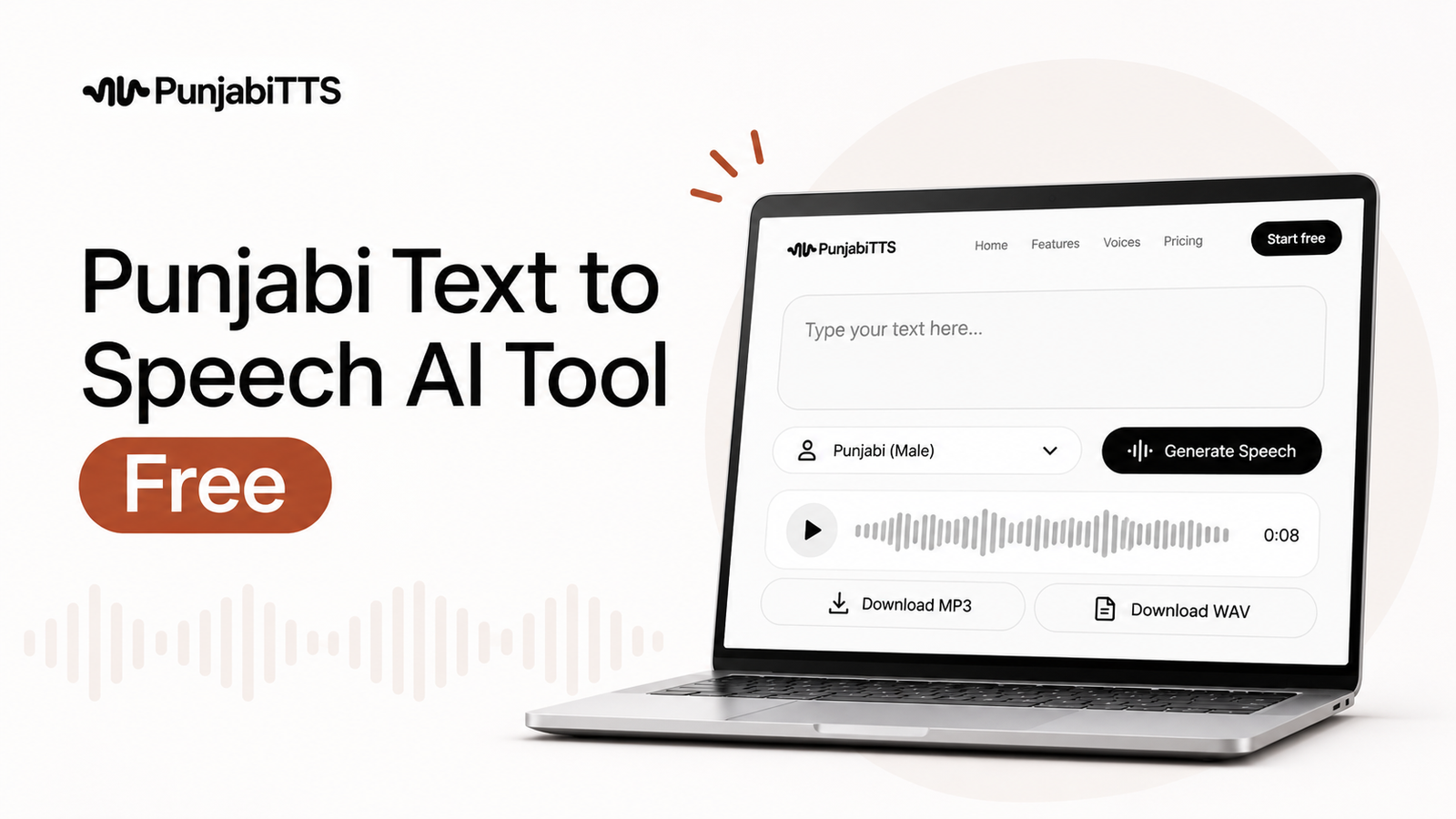
How to Create Natural Punjabi Text to Speech
Learn practical ways to make Punjabi text to speech sound smooth, human, and easy to listen to with better writing, pacing, and pronunciation.

Natural sounding Punjabi text to speech starts with how you write the text, not just which voice you choose. If you want realistic Punjabi text to speech, you need clean punctuation, simple sentence structure, the right spelling style, and a voice that handles Punjabi pronunciation well.
That matters because even a strong voice can sound stiff if the script is cluttered, poorly punctuated, or mixed with awkward English words. The good news is that a few small changes can make a big difference.
Key Takeaways
- Write for the ear, not the page: short, clear sentences usually sound more natural when spoken.
- Use punctuation and line breaks to control pauses, emphasis, and flow.
- Keep Punjabi spelling consistent and avoid unnecessary English words inside Punjabi lines.
- Choose a PunjabiTTS voice that matches your use case, then test and adjust the script.
- Read the output aloud yourself; if it feels awkward to read, it will usually sound awkward in audio too.
1. What makes Punjabi text to speech sound natural?
Why the script matters more than people think
Punjabi text to speech sounds natural when the audio follows how people actually speak. That means the voice needs room to breathe, the words need to be easy to pronounce, and the sentence rhythm needs to feel conversational. A lot of unnatural results come from overstuffed lines, long clauses, or sentences that are written like formal documents instead of spoken language.
Think of it this way: a written sentence can look correct and still sound flat when spoken. Punjabi often sounds most natural when the text uses short phrases, everyday wording, and punctuation that creates realistic pauses. The voice engine then has a better chance of producing clean, human-like delivery.
What does “natural” actually mean in audio?
For most listeners, natural means the voice is easy to follow, the pronunciation is clear, and the pauses feel believable. It should not sound rushed, robotic, or oddly stressed on the wrong syllables. In practical terms, natural sounding Punjabi text to speech is the result of both good writing and a capable engine working together.
2. How should you write Punjabi so it sounds spoken?
Use everyday phrasing instead of formal wording
If the goal is a voiceover, a guide, a social clip, or a customer message, write the way a person would say it out loud. Punjabi text to speech performs better with direct language than with heavy, academic, or over-formal wording. For example, a simple sentence like “ਅੱਜ ਅਸੀਂ ਇਹ ਗੱਲ ਸਮਝਾਂਗੇ” usually feels more natural than a dense, overly polished version.
That does not mean you should make the writing childish. It means you should make it easy to speak. If a sentence feels stiff when you say it aloud, rewrite it until it sounds like something you would say in a normal conversation.
Prefer shorter sentences with one clear idea
Long sentences are one of the fastest ways to make Punjabi text to speech sound unnatural. When a sentence tries to hold too many ideas at once, the voice may pause in the wrong place or flatten the meaning. Shorter sentences give the engine cleaner phrasing and give the listener a more relaxed experience.
A useful habit is to keep one sentence focused on one thought. If you need to explain a process, split it into steps. If you need to persuade someone, use separate lines for each point. This approach also makes the final audio easier to edit and reuse across platforms.
Remove extra filler and repeated words
Humans use fillers in speech, but written scripts do not need to copy every hesitation. Words like “basically,” “actually,” or repeated qualifiers can make the output feel cluttered. The same applies to repeating the same idea in slightly different words. Clean writing gives the voice a smoother path and helps the final result feel more polished.
3. How do punctuation and spacing change the sound?
Use commas, periods, and question marks with intention
Punctuation is one of the simplest tools for shaping a more realistic Punjabi text to speech result. A comma usually creates a brief pause, while a period creates a stronger stop. A question mark tells the voice to lift the tone naturally at the end. If punctuation is missing or used randomly, the audio can rush, blur, or sound strangely flat.
This is especially important in Punjabi voice content that includes instructions, narration, or educational material. You want the listener to hear the structure of the message, not just the words.
Use line breaks to create breathing room
Sometimes a script looks fine in a paragraph but sounds crowded when spoken. Adding line breaks between ideas can improve pacing and make the voice more expressive. This works well for ads, announcements, explainer clips, and social content where each line should land clearly.
Line breaks are not just visual formatting. In many text to speech workflows, they help signal natural pauses and transitions. That can be the difference between a voice that feels rushed and one that feels calm and confident.
Don’t overload the text with symbols
Too many dashes, ellipses, exclamation marks, or decorative symbols can make the speech engine behave unpredictably. One exclamation mark can add energy. Five of them often make the voice sound forced. Keep punctuation simple unless you truly need a special effect.
4. How do you handle Punjabi spelling and script choices?
Stay consistent with one writing style
Punjabi can be written in different scripts depending on context, including Gurmukhi for many Punjabi audiences. Whichever script or spelling style you use, consistency matters. A voice engine handles text better when the input is stable and predictable. Mixing styles within the same script can confuse pronunciation, especially if some words are transliterated and others are written natively.
If your audience reads Punjabi comfortably, keep the script clean and uniform. If you must mix languages, do it deliberately and sparingly.
Be careful with borrowed English words
Modern Punjabi often includes English words, especially in business, tech, and social content. That is normal. The problem comes when the text alternates too quickly between languages or uses English spellings that the voice engine may interpret in the wrong way. If an English term is necessary, test how the voice says it. If it sounds awkward, consider a Punjabi alternative or rewrite the sentence so the borrowed word has more context.
Good pronunciation often depends on how a word is introduced. A clear surrounding sentence can help the engine interpret it more accurately.
Watch for words that can be pronounced more than one way
Some words may sound fine to a human reader but create ambiguity for a synthesis engine. That is why it helps to review the generated audio carefully. If a word keeps coming out wrong, try changing the surrounding sentence, adding punctuation, or replacing the word with a simpler synonym. In text to speech, the easiest path is often the best path.
5. How do you pick the right voice for Punjabi audio?
Choose a voice that fits the use case
A promotional reel, a lesson, and a phone message should not sound exactly the same. For example, a warm, steady voice works well for explanations and customer communication, while a more energetic delivery may suit short marketing content. A good PunjabiTTS setup gives you room to match the voice to the tone you need instead of forcing one style into every job.
When evaluating voices, listen for clarity first. A beautiful voice is not useful if it muddies pronunciation or sounds inconsistent across longer sentences.
Test speed before you publish
Speed changes everything. If the voice is too fast, Punjabi consonants can blur together. If it is too slow, the result may feel heavy and artificial. The best setting usually depends on the script type. Instructional content often benefits from slightly slower pacing, while short promotional copy can handle a bit more energy.
Always test the same sentence at two or three speeds before deciding. Small changes can dramatically improve the natural feel.
Listen for stress and emphasis
Real speech has emphasis. Some words carry more weight than others. If every word sounds equally strong, the audio becomes flat. A good voice choice helps, but the script still matters. Put emphasis where the listener needs it most, and avoid cramming too many important words into a single line. That gives the engine a better chance to shape the sentence naturally.
6. How can you make the script easier to pronounce?
Rewrite awkward sentences before generating audio
If a sentence looks hard to say, it probably is. One of the easiest ways to improve realistic Punjabi text to speech is to simplify the sentence before generation. Replace tangled wording with cleaner phrasing. Break up stacked modifiers. Move the most important idea closer to the front. These changes help the engine and make the final audio easier for listeners to process.
For example, instead of packing multiple instructions into one line, separate them into steps. Instead of a long descriptive sentence, use two shorter ones. This small amount of editing often makes the voice sound more confident and less mechanical.
Use pronunciation-friendly wording for names and terms
Names, place names, product names, and technical terms are common trouble spots. If the voice repeatedly misreads a name, try writing it in a form that better matches how it should sound, or add surrounding context that guides the engine. This is not about tricking the system; it is about helping it interpret what you mean.
That is one reason why a platform like PunjabiTTS can be useful for regular production work. When you know how the voice responds to certain patterns, you can prepare cleaner scripts and spend less time fixing audio after the fact.
Read the script out loud before generating
This simple step catches many issues. If you stumble while reading, the voice probably will too. Reading aloud reveals clunky phrasing, hidden pauses, and sentence patterns that look fine on screen but fail in speech. It is one of the fastest quality checks you can do before exporting audio.
7. What is a good workflow for better results?
Draft, simplify, generate, review, refine
A reliable workflow is better than random trial and error. Start by drafting the script in plain language. Then simplify it for speech. Generate a first version, listen carefully, and note any awkward spots. Refine the script, not just the settings. In many cases, fixing the text produces a bigger improvement than endlessly changing voice options.
This loop matters if you create audio regularly for business, content, or support. A repeatable process saves time and keeps the voice quality consistent from one project to the next.
Keep a small style guide for your own content
If you use Punjabi text to speech often, maintain a few rules for yourself. For example: use short sentences, avoid duplicate phrasing, keep punctuation simple, and standardize brand names. A personal style guide helps every new script sound more like the last one, which is important for brand trust and listener comfort.
Store “good” lines for future reuse
When a line sounds especially natural, save it. Over time you will build a small library of phrases, openings, calls to action, and transitions that work well with the voice. This is useful for recurring content like notifications, intros, lesson segments, and promotional clips. Reusing proven phrasing is one of the easiest ways to keep audio quality stable.
| Script choice | Likely result | Better approach |
|---|---|---|
| Very long sentence with multiple ideas | Rushed or uneven delivery | Split into shorter sentences |
| Heavy punctuation and symbols | Forced pauses or odd tone | Use simple punctuation only |
| Mixed spellings and borrowed terms everywhere | Unclear pronunciation | Keep wording consistent and test tricky words |
| Plain, spoken-style Punjabi | Clearer and more human flow | Use for most voiceover scripts |
8. What mistakes should you avoid?
Do not write for reading instead of speaking
One of the biggest mistakes is treating the text like an article instead of a script. Spoken language is simpler. It uses shorter sentences, clearer transitions, and less visual clutter. If the text is overloaded with clauses, the audio can feel stiff even when the words are correct.
Do not ignore post-generation review
Never assume the first output is ready to publish. Even strong Punjabi voice tools can need small adjustments. Listen for unnatural pauses, mispronounced names, rushed endings, or sentences that sound too flat. A quick review can save you from sharing audio that feels off to your audience.
Do not chase “perfect” by only changing the voice
The voice matters, but the script is usually where the biggest gains come from. If you keep changing voices without changing the text, you may never solve the real problem. Improve the writing first, then adjust the voice settings. That approach is faster, cheaper, and more reliable.
9. What does a practical example look like?
Before and after script cleanup
Here is a simple example of how rewriting can improve sound quality. A crowded line like “ਅਸੀਂ ਅੱਜ ਤੁਹਾਨੂੰ ਇਹ ਦੱਸਣ ਜਾ ਰਹੇ ਹਾਂ ਕਿ ਤੁਸੀਂ ਆਪਣੀ ਆਵਾਜ਼ ਨੂੰ ਹੋਰ ਵਧੀਆ, ਹੋਰ ਸਪਸ਼ਟ, ਅਤੇ ਹੋਰ ਕੁਦਰਤੀ ਕਿਵੇਂ ਬਣਾ ਸਕਦੇ ਹੋ” can feel heavy when spoken. It contains too many modifiers in one stretch.
A cleaner version might be: “ਅੱਜ ਅਸੀਂ ਇਹ ਵੇਖਾਂਗੇ ਕਿ ਆਵਾਜ਼ ਨੂੰ ਕਿਵੇਂ ਹੋਰ ਕੁਦਰਤੀ ਬਣਾਇਆ ਜਾ ਸਕਦਾ ਹੈ. ਪਹਿਲਾ ਕਦਮ ਹੈ, ਟੈਕਸਟ ਨੂੰ ਸਾਫ਼ ਕਰਨਾ.” That version is easier to breathe through, easier to pace, and easier for the listener to follow. The message is the same, but the spoken flow is better.
This is the core of how to create natural sounding punjabi text to speech: make the script easy to speak, then let the voice do the rest.
10. How can PunjabiTTS help with this?
Use a platform built for Punjabi output
If your goal is steady, realistic Punjabi text to speech for repeated use, a Punjabi-focused platform can reduce a lot of guesswork. PunjabiTTS is designed for Punjabi audio generation, so you can spend more time refining your message and less time fighting with pronunciation issues. That is especially helpful for creators, educators, and businesses that need dependable voice output.
Test, compare, and refine in one place
When a platform gives you a straightforward way to test lines, compare voices, and adjust pacing, you can improve results faster. That matters because natural audio rarely comes from a single click. It usually comes from small, deliberate choices made in the right order. A focused tool makes those choices easier to manage.
Pro Tip: If a sentence sounds unnatural, cut it in half before you do anything else. In Punjabi text to speech, simpler structure often improves pronunciation more than any voice setting.
Frequently Asked Questions
How do I make Punjabi text to speech sound more human?
Write shorter, spoken-style sentences, use punctuation carefully, and remove unnecessary filler. Then test the audio and adjust any awkward lines. Human-sounding output usually comes from clear writing plus a voice that fits the content.
Why does my Punjabi voice sound robotic?
It is often because the script is too dense, the punctuation is weak, or the text mixes styles in a way the engine cannot handle well. Start by simplifying the wording and adding natural pauses before changing voice settings.
Should I use English words inside Punjabi text?
Only when needed. Mixed-language text can work, but too many English terms can hurt pronunciation consistency. If you use borrowed words, test them in context and rewrite the line if the voice handles them poorly.
What is the best speed for Punjabi text to speech?
There is no single best speed. Slower speeds usually help with clarity in educational or instructional content, while slightly faster pacing may work for short promotional lines. Always test the same script at a few speeds and choose the one that sounds most natural.
Can PunjabiTTS help with realistic Punjabi text to speech?
Yes. PunjabiTTS is built to support Punjabi voice generation, which makes it easier to test scripts, refine pacing, and produce cleaner audio for real-world use. It is especially useful when you need consistent results across multiple recordings.
The most important thing to remember is simple: natural audio starts with natural writing. If you keep the text clean, spoken, and consistent, your Punjabi text to speech will sound noticeably better before you even touch the settings. When you are ready to put that into practice, PunjabiTTS can help you turn a better script into better-sounding audio with less trial and error.