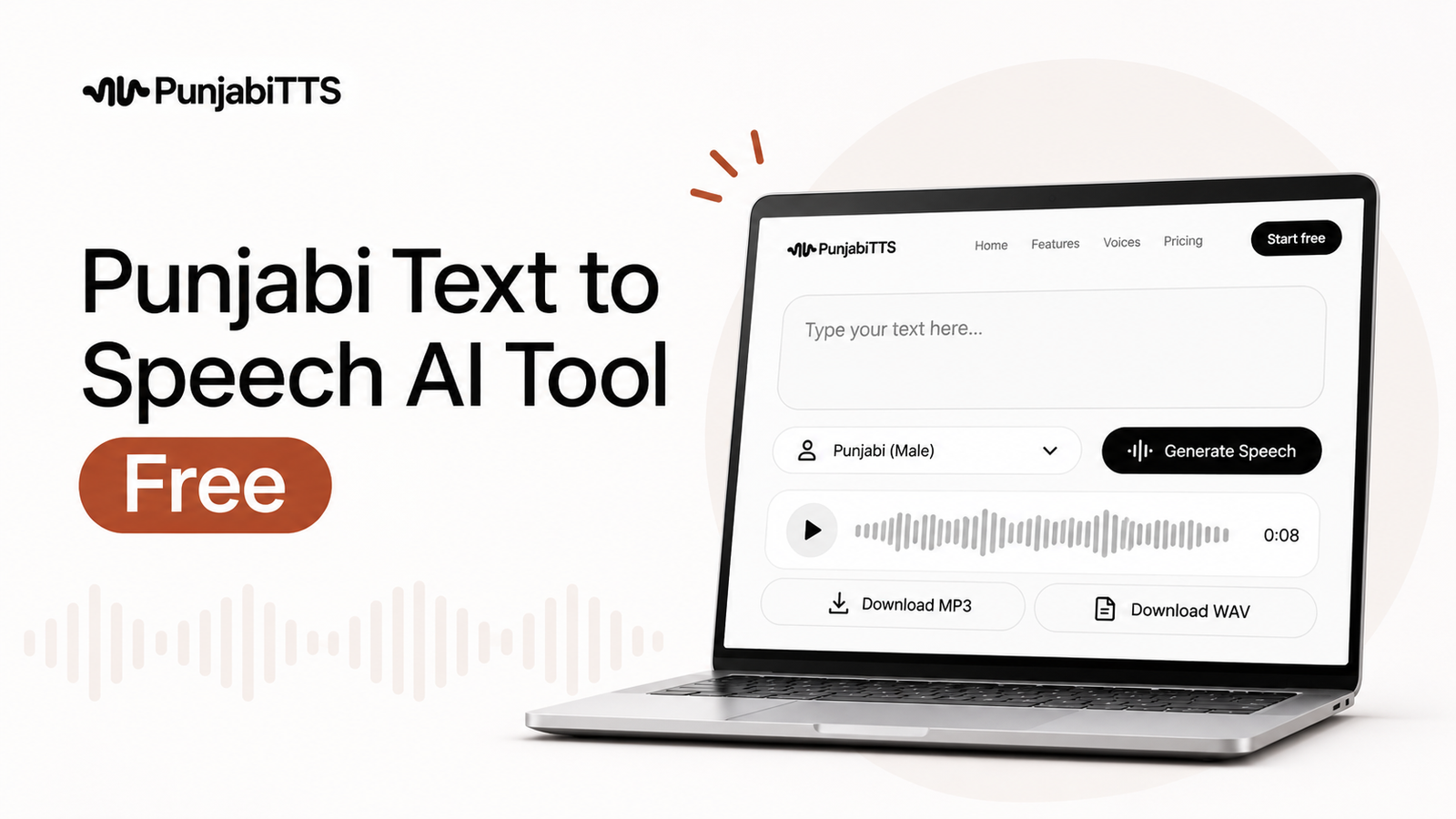
Free Punjabi Text to Speech & AI Voices Guide
Learn how free Punjabi text to speech works, where Punjabi AI voices fit in, and how to choose a safe, natural-sounding tool.

Free Punjabi text to speech is a tool that turns written Punjabi into spoken audio without requiring you to record your own voice. Punjabi AI voices are the synthetic voices that read the text aloud, using speech technology designed to sound clear, natural, and useful for real-world tasks.
If you need voiceovers for lessons, reels, greetings, app content, or accessibility, this is one of the fastest ways to create audio in Punjabi. The important part is not just finding a free tool, but finding one that gives you correct pronunciation, clean output, and enough control to match the job you need done.
Key Takeaways
- Free Punjabi text to speech is useful for quick audio creation, accessibility, and testing voice content before you commit to a paid plan.
- Good Punjabi AI voices should handle pronunciation, pacing, and clarity, not just read words mechanically.
- Always check whether the tool supports Gurmukhi script, download options, commercial use, and privacy protections.
- For polished output, short sentences and clean punctuation usually produce better speech than long, crowded paragraphs.
- PunjabiTTS is a practical option when you want Punjabi-focused voice generation rather than a generic multilingual tool.
What is free Punjabi text to speech?
Free Punjabi text to speech, often shortened to Punjabi TTS, is software that converts Punjabi text into audio. You paste or type text into the tool, choose a voice, and generate speech in a few seconds. The best systems support natural pauses, readable pacing, and correct handling of common Punjabi words and names.
This matters because Punjabi is not just another language in a generic voice library. Script, pronunciation, and rhythm all affect whether the audio feels natural. A good tool should make the language easy to hear, not merely translated into sound.
What does Punjabi TTS actually do?
At the simplest level, it maps written text to spoken output. More advanced systems also adjust emphasis, sentence breaks, and intonation so the voice sounds less flat. Some tools let you choose between different voices, including male and female options, and some offer speed controls or download formats such as MP3.
For example, if you are creating a short school announcement, you may want a slower voice with crisp pronunciation. If you are making a social clip, you may prefer a more energetic delivery. That flexibility is why people use Punjabi text to speech for content creation, learning, and accessibility.
How does Punjabi AI voice generation work?
Punjabi AI voices are created using speech synthesis models. In plain language, the system learns how speech patterns sound and then generates a new spoken version of your text. Modern AI voices are better than the old robotic style because they use language modeling and speech timing to make output smoother and more human.
Not every AI voice is built the same way. Some are trained to read clearly but sound neutral. Others aim for more expressive delivery. The difference becomes obvious when you listen to longer lines: a strong voice keeps its rhythm steady and avoids odd pauses inside words.
What affects voice quality?
- Script handling: The tool should support Punjabi in the script you actually write in, usually Gurmukhi for many users.
- Pronunciation rules: Names, borrowed words, and numbers can trip up weaker systems.
- Punctuation: Commas and full stops help the model understand where to pause.
- Voice design: Some voices are built for narration, others for short clips or assistant-style speaking.
- Output controls: Speed, pitch, and downloading options can improve the final result.
Why do people use free Punjabi text to speech?
People use free Punjabi text to speech for very practical reasons. It saves time, removes the need for a recording setup, and makes it easier to test script quality before publishing. You can draft a voiceover, hear it instantly, and adjust the wording if something sounds awkward.
It is also useful for accessibility. If you publish content for readers who prefer listening, or who find long text tiring, audio makes the information easier to consume. In classrooms, support materials, and community communication, this can make a meaningful difference.
Common use cases
- Social media content: Reels, shorts, and quick explainers.
- E-learning: Lessons, practice lines, and pronunciation support.
- Accessibility: Making written Punjabi easier to hear.
- Business communication: Greetings, IVR drafts, reminders, and internal announcements.
- Content testing: Hearing how a script sounds before recording or publishing.
What should you look for in a Punjabi TTS tool?
Not every tool that says it supports Punjabi will give usable results. The first thing to check is whether it actually reads the language correctly and consistently. Then look at whether it gives you the controls you need for the specific job, because a tool that works for a quick draft may not work for a polished brand voice.
A good Punjabi TTS platform should be easy to use, produce clear audio, and avoid hidden friction like poor exports, confusing limits, or weak pronunciation. If you are relying on the audio for a business or public-facing project, those details matter.
Important features to check
- Punjabi language support: Confirm the tool supports Punjabi properly, not just through translation or loose multilingual input.
- Voice variety: More than one voice is helpful when you want a different tone for different projects.
- Natural pacing: The speech should not rush through words or pause in strange places.
- Download options: MP3 or similar formats make it easier to use the audio elsewhere.
- Ease of use: A clean interface saves time, especially if you generate audio often.
- Privacy clarity: Check how the platform handles the text you enter, especially if it contains business or personal information.
How do you get better results from Punjabi AI voices?
Even a strong Punjabi AI voice can sound weak if the input is messy. The easiest improvement is to write for speech, not for reading. Long sentences with too many commas usually sound awkward when spoken aloud. Shorter lines usually perform better because the model can follow the rhythm more naturally.
You should also spell names and borrowed words carefully. If a term is likely to be misread, try simplifying the surrounding sentence or breaking the line into smaller parts. This small editing step often makes the audio sound much more polished.
Practical writing tips
- Use short or medium-length sentences.
- Add punctuation where you want a pause.
- Avoid cramming too many ideas into one line.
- Test names, dates, and numbers before publishing.
- Listen to a full draft instead of judging from the first sentence only.
Pro Tip: If a line sounds unnatural, do not assume the voice is the problem. Often the fix is to rewrite the sentence in a more spoken style. That one edit can improve the result more than changing the voice itself.
What are the pros and cons of free Punjabi text to speech?
Free tools are attractive because they lower the barrier to entry. You can test ideas, create drafts, and learn what kind of audio works before spending money. But free access also comes with limits, and it helps to understand those trade-offs before you depend on the output.
| Pros | Cons |
|---|---|
| Fast way to generate Punjabi audio without recording equipment. | Some free tools limit voice choices, exports, or usage volume. |
| Useful for testing scripts and exploring Punjabi AI voices. | Free versions may have lower naturalness or fewer controls. |
| Good for accessibility and early-stage content creation. | Commercial use terms may be restricted, so you must check the license. |
| Helps non-speakers and busy teams produce spoken Punjabi quickly. | Weak pronunciation can create extra editing work if the engine is not well tuned. |
The bottom line is simple: free is great for testing and lighter use, but you should verify the terms and the audio quality before you rely on it for public work.
How does PunjabiTTS fit into this?
PunjabiTTS is built for people who want Punjabi-focused speech output instead of a generic tool that treats Punjabi as an afterthought. That matters because a language-specific experience usually gives you a better chance of getting clear pronunciation, usable voices, and a workflow that makes sense for Punjabi content.
If your goal is to generate voiceovers, announcements, learning content, or simple spoken drafts in Punjabi, a dedicated platform can save time. It also makes it easier to stay focused on the language itself rather than wrestling with settings that were designed for something else.
When a dedicated platform makes sense
- You need consistent Punjabi output for repeated use.
- You want a simpler workflow without digging through unrelated settings.
- You are producing content where voice quality affects trust.
- You want a more direct path from typed text to ready-to-use audio.
What should you check before using audio commercially?
If the audio is going into ads, product videos, course material, or client work, do not skip the terms of use. Some free tools are fine for personal experiments but not for business publishing. Others may allow broader use, but still require attribution or account-level restrictions.
You should also think about the text you submit. If it includes confidential information, customer data, or internal plans, make sure the platform’s privacy policy is clear enough for you to trust it. A reliable service should not make you guess how your content is handled.
Commercial-use checklist
- Read the usage terms carefully.
- Confirm whether downloads can be used publicly.
- Check whether attribution is required.
- Make sure the audio quality matches your brand standard.
- Avoid entering sensitive text unless the platform’s policy is clear.
How do free and paid options compare?
Not every project needs a paid plan, but knowing the difference helps you choose wisely. Free Punjabi text to speech is usually best for trials, simple clips, and occasional use. Paid access tends to make more sense when you need steadier quality, more voice options, or broader usage rights.
| Use case | Free Punjabi TTS | Paid Punjabi AI voices |
|---|---|---|
| Testing a script | Usually enough | More than enough |
| Short social videos | Often workable | Better consistency and control |
| Business or client work | Depends on licensing and quality | Usually safer for scale and usage rights |
| Frequent production | Can become limiting | More efficient over time |
That does not mean free tools are low value. It means you should match the tool to the job. If you only need a few lines of Punjabi audio, free may be enough. If voice quality affects your brand, the better choice is usually the one that gives you more control and fewer surprises.
How can you get started without wasting time?
The fastest way to start is to test a short paragraph instead of a long document. Use a sentence with punctuation, one name, and one number so you can hear how the tool handles all three. Then compare the result with a rewritten version to see which phrasing sounds more natural.
Once you know what the voice does well, you can build around it. That may mean writing shorter lines, choosing a different voice for a warmer tone, or adjusting your script to suit spoken Punjabi better. The point is to work with the tool’s strengths rather than fighting its weak spots.
What is the single most important thing to remember?
The best free Punjabi text to speech tool is the one that produces clear, trustworthy audio for your exact use case, not just the one that sounds impressive in a demo. If the voice is natural, the terms are clear, and the workflow is simple, you are much more likely to get useful results every time.
For anyone who wants reliable Punjabi AI voices without unnecessary friction, a Punjabi-first platform is worth a close look. PunjabiTTS offers a focused way to turn Punjabi text into spoken audio, which makes it easier to move from written content to usable voice quickly.
Frequently Asked Questions
Is free Punjabi text to speech good enough for real projects?
It can be, depending on the project. Free Punjabi TTS is often enough for testing, learning, short clips, and simple announcements. For commercial or high-visibility work, you should check the license, voice quality, and export options before using it publicly.
Do Punjabi AI voices sound natural?
Good Punjabi AI voices can sound clear and natural, especially when the script is written well and the platform supports Punjabi properly. The result usually depends on the quality of the speech engine, the voice selection, and how clean your text is.
Can I use Punjabi text to speech for YouTube or social media?
Yes, many people use Punjabi text to speech for reels, shorts, explainers, and channel voiceovers. Before posting, confirm that the tool allows public or commercial use and listen closely for pronunciation issues.
What should I do if the voice mispronounces words?
Try rewriting the sentence, adding punctuation, or splitting the line into smaller parts. Proper names and borrowed words can be tricky, so changing the sentence structure often fixes the issue better than changing the voice itself.
Why choose a Punjabi-focused platform instead of a general AI voice tool?
A Punjabi-focused platform usually gives you a better chance of getting clean pronunciation and a workflow built around the language you actually need. That can save time, reduce editing, and make the final audio more usable.
If you want to try Punjabi text to speech without unnecessary complexity, PunjabiTTS is a practical place to start. Explore the voices, test a few lines, and see how quickly your Punjabi text can become clear spoken audio.