Punjabi Text to Speech AI for Natural Voice
Learn how a Punjabi text to speech AI tool creates clear, natural-sounding voice from Punjabi text for content, support, and more.

A Punjabi Text to Speech AI Tool For Natural Sounding Voice Generation turns written Punjabi into spoken audio that sounds clear, human, and easy to follow. It is useful when you need Punjabi speech quickly for videos, learning material, customer support, audiobooks, or everyday communication.
For many people, the real value is not just reading text aloud. It is getting pronunciation, flow, and tone right so the voice sounds natural instead of stiff or mechanical.
What is Punjabi text to speech?
Punjabi text to speech is technology that converts Punjabi writing into spoken audio. A Punjabi Text to Speech Tool reads the text, processes the language structure, and generates a voice output that you can listen to, edit, or download.
When the system is built well, it does more than simply pronounce words one by one. It handles pauses, sentence rhythm, punctuation, and common speech patterns so the final result feels more like a person speaking. That matters a lot in Punjabi, where pronunciation and pacing can change how natural the audio sounds.
Punjabi Text to Speech AI takes this further by using modern language and speech models to produce better-sounding speech than older synthetic systems. Instead of flat, repetitive delivery, it can create a voice with smoother intonation and more believable expression.
Why does natural sound matter?
If you are making content for real people, the voice has to feel trustworthy. A robotic voice can make even useful information feel distant or hard to follow. A natural voice keeps listeners engaged longer and makes the message easier to absorb.
This is especially important for Punjabi because many use cases depend on clarity and local familiarity. A training video, a product announcement, or an educational clip can lose impact if the voice sounds unnatural or mispronounces key words. Natural speech helps the listener focus on the message rather than the technology.
There is also a practical side. People are more likely to replay, share, and finish audio that sounds comfortable. For businesses, that can mean better customer experience. For creators, it can mean content that feels polished without needing a full recording setup.
How does a Punjabi Text to Speech AI Tool work?
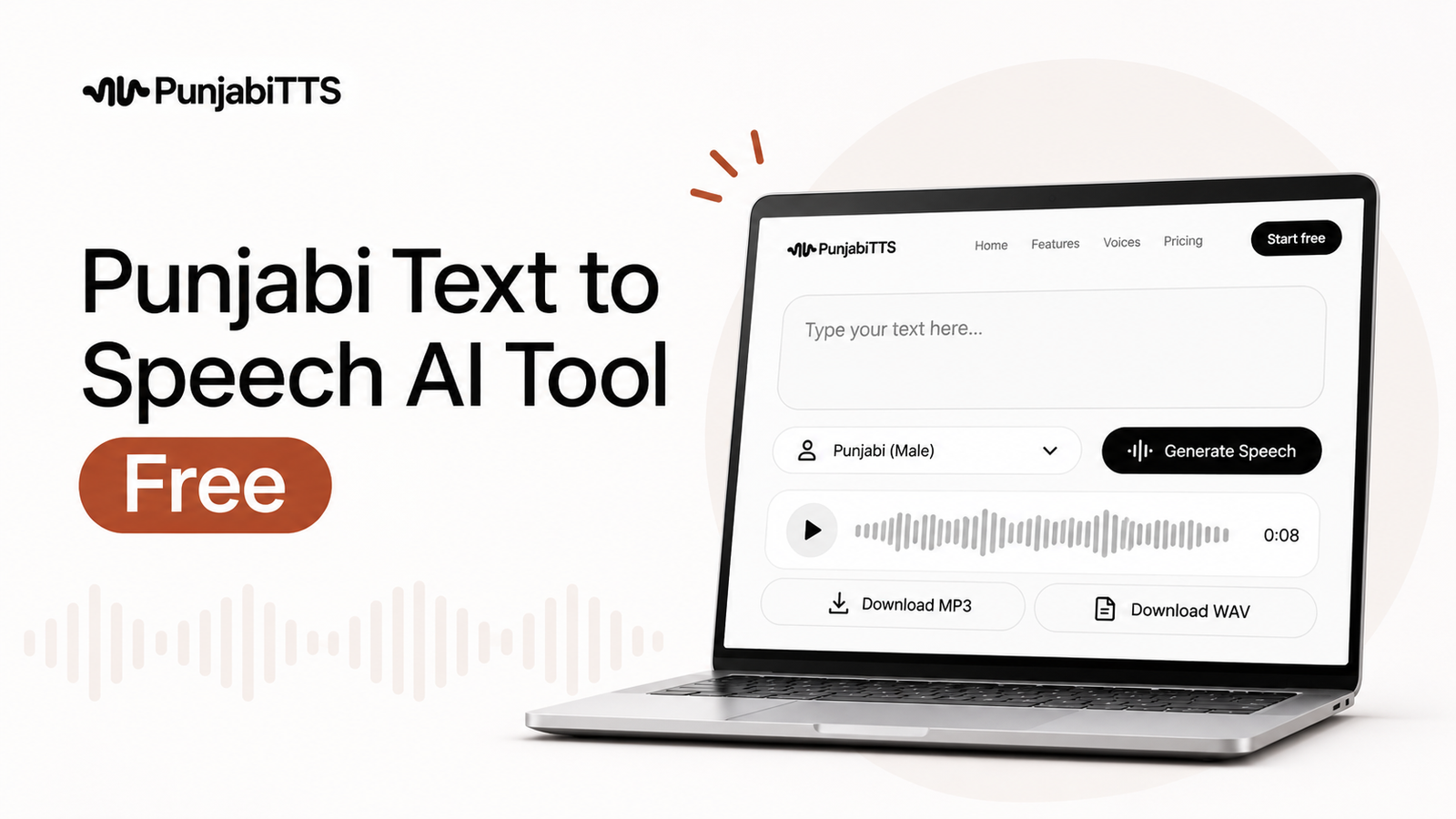
A Punjabi Text to Speech AI Tool usually follows a simple path: it reads your text, interprets punctuation and language context, and then generates audio in a chosen voice. The process happens quickly, which makes it useful when you need audio on demand.
1. You enter Punjabi text
You paste or type Punjabi content into the tool. Good tools support properly written Punjabi text and make it easy to review what you entered before generating audio.
2. The system analyzes pronunciation and flow
The software breaks the text into speech units. It looks at how words connect, where pauses should happen, and which parts need emphasis. This step is important because Punjabi, like any spoken language, depends on rhythm as much as individual words.
3. The voice is generated
The AI then produces the spoken audio. Depending on the platform, you may be able to choose between different voices, adjust speed, or fine-tune tone. The goal is to make the result sound natural enough that listeners focus on the content rather than the machine.
4. You review and export
After generation, you can listen to the output and make corrections if needed. This review step matters because even strong systems benefit from small edits, especially when the text includes names, place references, or specialized terms.
What makes voice generation sound natural?
Natural-sounding speech comes from several details working together. First, the voice must handle Punjabi pronunciation accurately. Second, the system has to place pauses in the right places. Third, the delivery should vary enough to avoid the flat, repetitive feel that people notice immediately.
Sentence punctuation helps too. A comma, full stop, or question mark can change pacing in speech generation. If your text is written cleanly, the audio usually sounds better. That is one reason it helps to prepare the script carefully before converting it.
Another factor is consistency. If the voice sounds smooth at the beginning but unnatural in the middle, listeners lose trust. Reliable Punjabi Text to Speech AI should keep the same quality across the full audio file, not only in short samples.
Expert Insight: The best results usually come from short, well-edited sentences. If you want more natural Punjabi audio, write your script the way people actually speak, then remove extra filler words before generating speech.
Where can Punjabi text to speech be used?
Punjabi speech generation has practical uses in both personal and professional settings. A clear voice can save time, reduce production costs, and make content more accessible.
Content creation
Creators can use Punjabi audio for reels, shorts, explainers, podcast-style clips, and narrated posts. It is especially useful when you want to publish regularly but do not want to record every script manually.
E-learning and training
Teachers, trainers, and course creators can turn lessons into audio so learners can listen while they read. This helps with revision, accessibility, and language practice.
Customer support
Businesses can use Punjabi voice output in IVR systems, onboarding flows, or automated updates. When customers hear a familiar language in a clear voice, the experience feels more welcoming.
Accessibility
Text to speech can help users who prefer listening over reading or who have difficulty reading long blocks of text. Punjabi audio makes content more inclusive for a wider audience.
Personal use
People also use it for family messages, event announcements, reminders, and study material. In everyday life, being able to hear Punjabi text aloud can be convenient and time-saving.
What should you look for in a Punjabi Text to Speech Tool?
Not every tool gives the same result. If you want natural output, pay attention to a few practical features instead of choosing based only on a quick demo.
| Feature | Why it matters | What to check |
|---|---|---|
| Punjabi pronunciation | Incorrect pronunciation makes the voice sound unreliable | Test common words, names, and conversational phrases |
| Natural pacing | Good pacing keeps speech easy to understand | Listen for pauses, speed, and sentence flow |
| Voice variety | Different projects need different tones | See whether you can choose voices or styles |
| Edit control | Small adjustments improve the final result | Look for speed, emphasis, or script editing options |
| Easy export | You may need the audio in a usable format fast | Check if downloads are simple and consistent |
Some tools are fine for casual use but weak for professional work. If you are making content that represents your brand, it is worth testing the tool with real scripts instead of relying on one short sample. That gives you a better idea of how it will handle names, longer sentences, and different types of phrasing.
How is PunjabiTTS relevant here?
PunjabiTTS focuses on Punjabi text to speech in a way that is designed for practical use, not just technical novelty. If you need Punjabi speech for content, business, or learning materials, a specialized platform can make the workflow simpler because it is centered around the language you are actually using.
That matters because generic text to speech systems often struggle when the language needs more careful handling. A Punjabi-focused service is more likely to pay attention to pronunciation, readability, and the types of use cases people actually have. For users who want a dependable Punjabi Text to Speech AI Tool For Natural Sounding Voice Generation, that kind of specialization can save time and frustration.
What are the pros and cons?
Like any AI voice tool, Punjabi text to speech has clear strengths and a few trade-offs. Knowing both helps you decide where it fits in your workflow.
Pros
- Fast audio generation without recording equipment
- Useful for repeatable content like lessons, updates, and announcements
- Can make Punjabi content more accessible to listeners
- Helps creators and businesses publish more consistently
- Easy to test, revise, and regenerate when the script changes
Cons
- Naturalness can still depend on the quality of the input text
- Some words, names, or local expressions may need extra review
- Not every voice suits every project
- Long or poorly written scripts can sound less smooth
The trade-off is straightforward: the better your script and the better the tool, the better the result. AI voice is powerful, but it still benefits from human editing.
How can you get better results?
Small writing choices make a real difference. If you want the voice to sound more natural, keep sentences short and direct. Break long paragraphs into smaller parts. Use punctuation carefully, because the AI uses it as a cue for pauses and tone.
It also helps to read the script out loud before generating speech. If a sentence feels awkward when spoken by a person, it will probably sound awkward in synthetic speech too. Rewriting for spoken language usually improves the result more than changing voice settings alone.
Another useful habit is to test one section at a time. Generate a short sample, listen for pronunciation issues, then adjust the text before creating the full audio. This saves time and helps you avoid exporting a long file that needs major fixes later.
What if you need audio for business use?
If the audio is going into a product demo, customer message, or branded content, consistency matters more than novelty. Use the same voice style across related files so your audience hears a steady tone. Keep terminology the same every time, especially for product names, locations, and support language.
For business teams, a Punjabi Text to Speech Tool can also reduce bottlenecks. Instead of waiting for a recording session, teams can generate and review audio quickly. That is helpful when a message changes often, such as service updates, onboarding instructions, or campaign content.
If you are handling sensitive customer communication, review the final audio carefully before publishing. A clear voice is good, but accuracy is non-negotiable when the message affects a customer’s next step.
Key Takeaways
- A Punjabi Text to Speech AI Tool For Natural Sounding Voice Generation converts written Punjabi into clear spoken audio.
- Natural delivery depends on pronunciation, pacing, punctuation, and script quality.
- It is useful for creators, educators, businesses, and accessibility needs.
- Testing real scripts is the best way to judge voice quality before you commit to a workflow.
- PunjabiTTS can help when you want a Punjabi-focused service built around the language, not a generic audio tool.
Frequently Asked Questions
What is Punjabi text to speech?
Punjabi text to speech is technology that turns written Punjabi into spoken audio. It helps you listen to text instead of reading it, which is useful for content, learning, support, and accessibility.
How natural does Punjabi text to speech AI sound?
That depends on the tool and the quality of the script. The best systems produce smooth, understandable speech with good pacing and pronunciation, especially when the text is written clearly and edited for spoken delivery.
Can I use Punjabi text to speech for business content?
Yes. Many businesses use it for announcements, training, support messages, and marketing content. Just make sure the voice sounds professional and the script is reviewed for accuracy before publishing.
What makes one Punjabi Text to Speech Tool better than another?
The most important differences are pronunciation quality, natural pacing, voice options, and how easy it is to edit or export audio. Testing with your own text is the most reliable way to compare tools.
Is PunjabiTTS suitable for natural voice generation?
PunjabiTTS is built for Punjabi text to speech use cases, which makes it a strong option when you want a Punjabi-focused experience. If you need audio that feels closer to the language and context you are working with, that specialization can be valuable.
Punjabi text to speech works best when the tool and the script support each other. If you want natural-sounding Punjabi audio, start with a clean script, test the voice on real examples, and use a service built with Punjabi language needs in mind.
If you are ready to create Punjabi audio without extra recording work, explore PunjabiTTS and see how its Punjabi text to speech services can fit your content, support, or learning workflow.